Vectorize Your Logo
Have a logo stuck as a low-res image? Turn it into a crisp, scalable SVG vector in seconds — print-ready, full color, and free to use.
10 free conversions/day without signing in · 50/day when signed in. Re-converting uses another conversion.
Why vectorize your logo
A raster logo (PNG/JPG) is a fixed grid of pixels — it blurs the moment you enlarge it. A vector logo is math, so it stays razor-sharp at any size.
Print & large format
Printers and large-format output need vectors to stay sharp on business cards, posters, and banners at any scale — no pixelation, no fuzzy edges.
Embroidery & merch
Embroidery digitizers, screen printers, and merch shops routinely ask for a vector file. An SVG gives them clean paths to work from.
Signage & storefronts
Shopfront signs, vehicle wraps, and window decals are cut or printed from vectors so the edges stay crisp even at wall size.
Infinitely scalable
One SVG works from a favicon to a billboard. Resize it as much as you want and it never loses quality — unlike a raster export.
How to vectorize a logo
Three steps, entirely in your browser.
- 1
Upload your logo image (PNG, JPG, or WebP).
- 2
Choose Color to keep every color, or Monochrome for a clean single-color, transparent result.
- 3
Convert and download your scalable SVG.
Tuned for logos, not photos
Our tracer is tuned on a logo generation engine: faithful color, smooth gradient fitting, and crisp single-color output. Flat graphics and logos vectorize beautifully; photos don't.
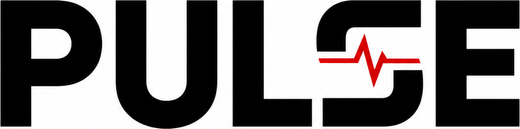
Raster PNG
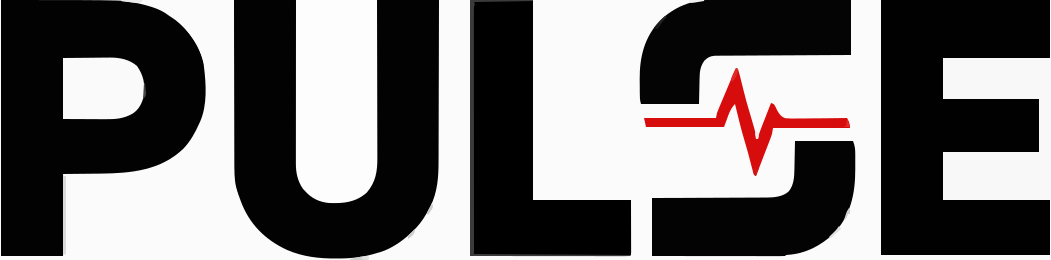
Vector SVG

Raster PNG

Vector SVG
Frequently asked questions
Everything you need to know about vectorizing a logo
Not happy with this logo?
Generate a fresh, on-brand logo with LogoWren's AI logo maker — real editable SVG, no design skills needed.
Generate a new logo with AI