Convert PNG to SVG with color, not just black and white
Most free converters hand back a black-and-white silhouette. This one traces in full color by default and fits gradients into clean color bands, so a multi-color logo still looks like your logo afterwards. Monochrome is one click away when you need it — free, no sign-up.
10 free conversions/day without signing in · 50/day when signed in. Re-converting uses another conversion.
A real vectorizer, not a wrapper
Tuned on a logo vectorization engine for crisp, scalable results.
True vector quality
Real spline-curve tracing (the same engine tuned for our logo maker) redraws your image as smooth vector paths that stay sharp at any size — no more blurry upscaled PNGs.
Full color by default
Most free converters only give you black and white. We trace in full color and fit smooth gradients into clean color bands, so multi-color logos survive the conversion.
Transparent output (mono mode)
Monochrome mode removes the background and outputs a transparent SVG in a single ink color. Color mode faithfully reproduces the whole image, including its background.
Batch conversion
Upload up to 20 images and convert them one after another. Free to use — 10 conversions a day without an account, or 50 a day when you sign in.
What color mode actually keeps
Both SVGs in each row came out of the converter on this page — same upload, one run in Color, one in Monochrome. The path and fill counts are the numbers the converter reported for those exact files.
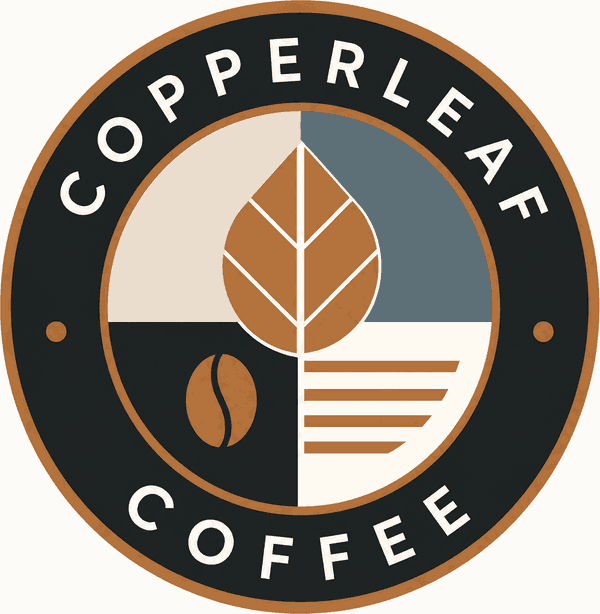
Original PNG
600 × 614 · 42 KB
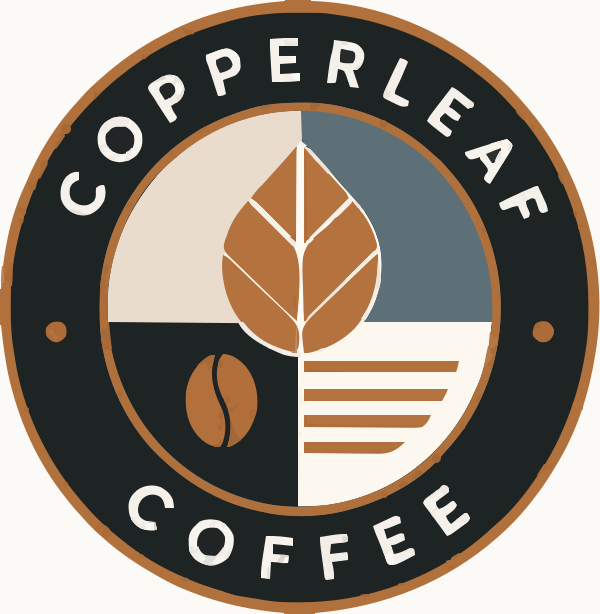
Color SVG (default)
187 paths · 130 fills · 77 KB
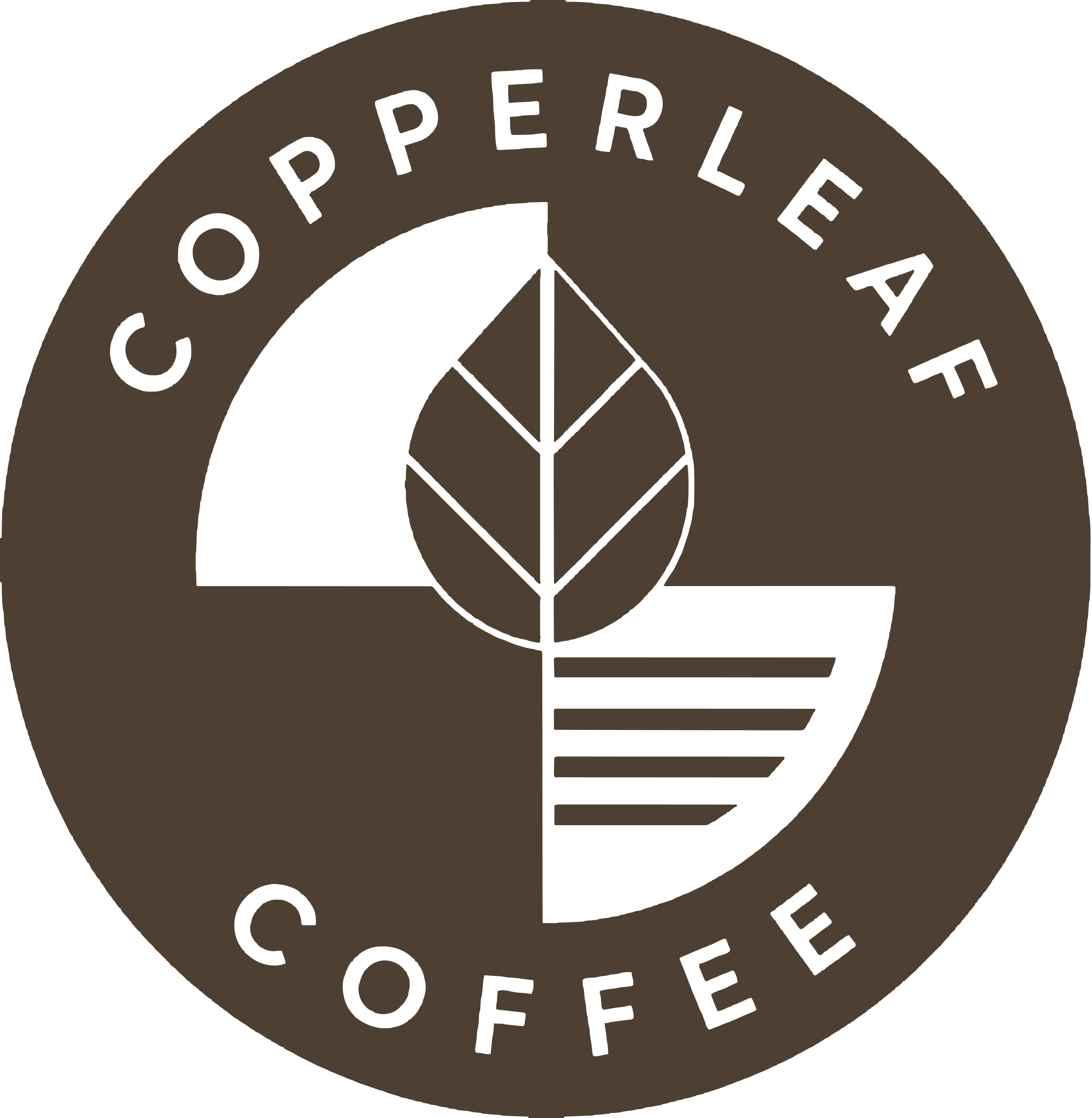
Monochrome SVG
2 paths · 1 fill · 45 KB
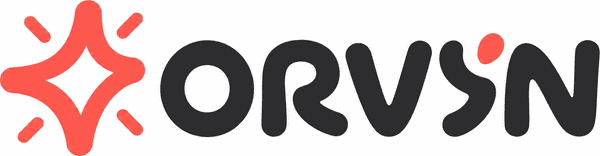
Original PNG
600 × 156 · 6 KB
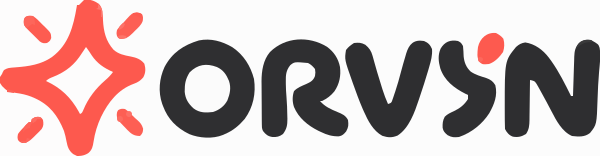
Color SVG (default)
29 paths · 23 fills · 14 KB
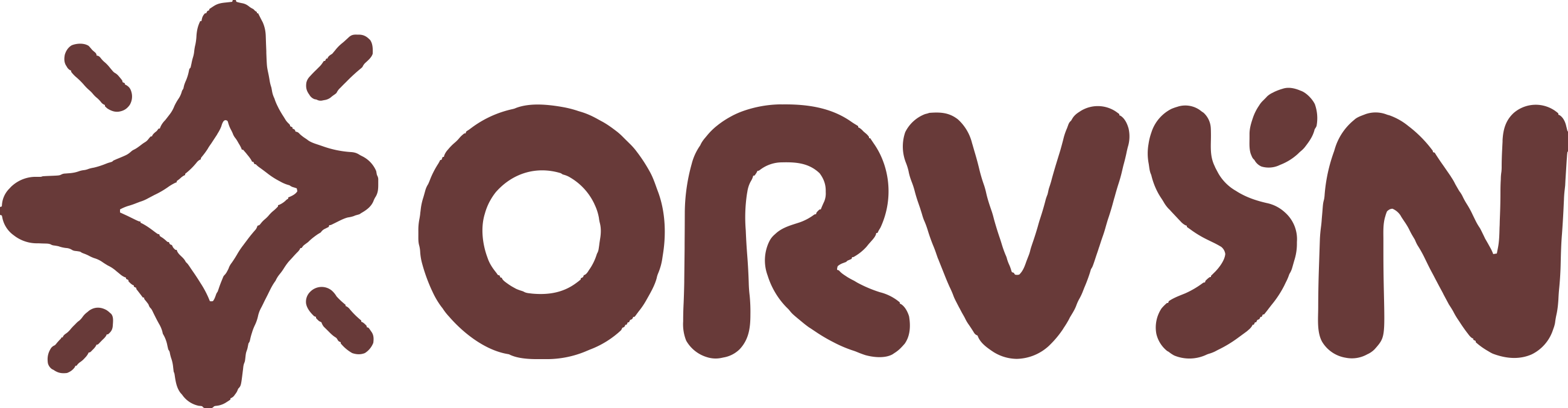
Monochrome SVG
2 paths · 1 fill · 15 KB
Color is the default, so you don't need to know any of this to use the tool. Monochrome is there on purpose: it's the right call for one-color printing, embroidery and vinyl cutting, and it's the only mode that gives you a transparent background.
Frequently asked questions
Everything you need to know about converting PNG to SVG
Not happy with this logo?
Generate a fresh, on-brand logo with LogoWren's AI logo maker — real editable SVG, no design skills needed.
Generate a new logo with AI